Pigeonmail email app1.775
Publisher Description
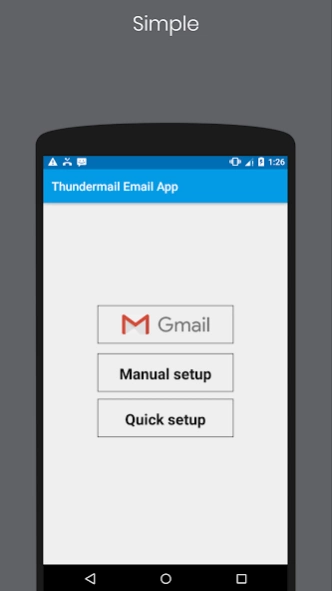
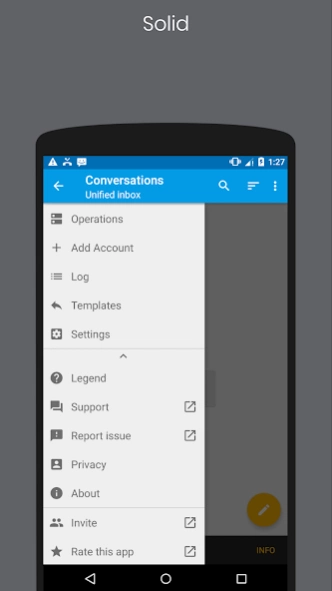
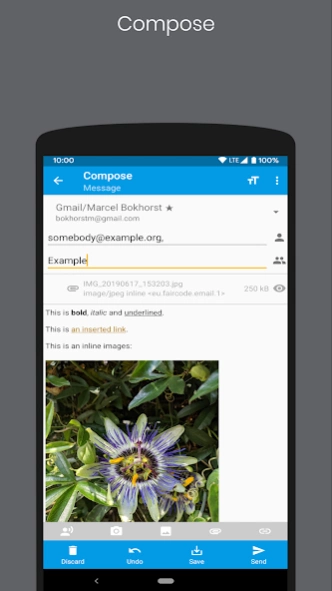
Pigeonmail email application for android
Pigeonmail Email App - Manage all your email accounts at once! Pigeonmail Email App supports Gmail, Yahoo Mail, Laposte, Orange, Free.fr, AOL, iCloud, Hotmail, Outlook.com, GMX and any other messaging using IMAP or POP3.
Pigeonmail Email App groups all your mails securely. It is a fast, lightweight tool, and perfectly adapted to mobile devices. Our app allows you to preview, read, forward your e-mails, reply to them and attach files. Simply enter your e-mail address and password.
Pigeonmail Email App supports all the most popular email services:
- Google Mail (Gmail, professional and educational Google Apps)
- Microsoft (Hotmail, MSN Mail, MS Outlook, Office 365 and Live)
- The post office
- Orange
- Free.fr
- Yahoo mail (formerly ymail)
- AOL
- GMX
- Mail.com
- Apple (iCloud, me.com and mac.com)
- Roundcube Webmail Software
- SquirrelMail Webmail Software
- Horde Webmail Software
- Zimbra Webmail Software
- RainLoop Webmail Software
- SOGo Webmail Software
- OVH Webmail Software
Pigeonmail Email App automatically configures your IMAP, POP, and SMTP settings for most domains and supports most corporate email servers, such as Lotus Notes and Microsoft Exchange, provided that both IMAP and SMTP are enabled.
About Pigeonmail email app
The company that develops Pigeonmail email app is Pigeonmail Email App. The latest version released by its developer is 1.775.
To install Pigeonmail email app on your Android device, just click the green Continue To App button above to start the installation process. The app is listed on our website since 2019-10-30 and was downloaded 43 times. We have already checked if the download link is safe, however for your own protection we recommend that you scan the downloaded app with your antivirus. Your antivirus may detect the Pigeonmail email app as malware as malware if the download link to com.thundermail.emailapp is broken.
How to install Pigeonmail email app on your Android device:
- Click on the Continue To App button on our website. This will redirect you to Google Play.
- Once the Pigeonmail email app is shown in the Google Play listing of your Android device, you can start its download and installation. Tap on the Install button located below the search bar and to the right of the app icon.
- A pop-up window with the permissions required by Pigeonmail email app will be shown. Click on Accept to continue the process.
- Pigeonmail email app will be downloaded onto your device, displaying a progress. Once the download completes, the installation will start and you'll get a notification after the installation is finished.
Program Details
System requirements
Download information
Pricing
Version History
version 1.775
posted on 2019-10-30
Fixed names
